
Behind the Scenes: Package Managers, Dependencies, and How We Survive “Dependency Hell”
Welcome back to the blog! In our previous deep dives, we looked at how software installers (.exe, .msi, and .appx) work on Windows, and how mobile app stores distribute applications that often bundle many of their dependencies.
But what happens on desktop operating systems and in development environments where software doesn’t always arrive in a single, isolated package? How do operating systems manage thousands of software components without everything breaking?
Today, we’re tackling package managers, dependencies, and version conflicts—the invisible plumbing that keeps modern computing running.
1. What Is a Package Manager?
Back in the early days of computing—and still today when installing some applications—getting software often meant finding a website, downloading an installer, clicking “Next, Next, Finish,” and remembering to check for updates later.
A package manager automates much of this lifecycle. It helps users discover, install, update, and remove software while tracking package metadata and, where supported, dependencies.
Most repository-based package management systems involve two key components:
- The Repository (Repo): A source of software packages and metadata maintained by a vendor, operating-system distribution, or community. Repositories may be hosted centrally or mirrored across multiple servers.
- The Package Manager Client: A command-line or graphical tool—such as
wingetor Chocolatey on Windows,aptordnfon Linux, or Homebrew on macOS—that searches package sources and manages installations and updates.
For example, on Windows, you can use Windows Package Manager to upgrade eligible packages:
winget upgrade --allOn Debian- or Ubuntu-based Linux systems, updating package metadata and upgrading installed packages typically looks like this:
sudo apt update
sudo apt upgrade
The first command refreshes the local package index; the second upgrades installed packages when suitable updates are available. The exact behavior depends on the package manager and its configuration. Not every application on a computer is necessarily managed by the same tool.
2. What Is a Dependency?
Most software isn’t written entirely from scratch. Developers rely on existing libraries, frameworks, runtimes, and other components to handle tasks such as rendering graphics, communicating over a network, or parsing data files. These building blocks are called dependencies.
For example, an application might depend on a graphics library, a specific runtime, and a cryptographic library. If a required component is missing or incompatible, the application may fail to install, start, or work correctly.
Bundled Dependencies vs. Shared Libraries
There are several ways software can obtain its dependencies:
- Bundled dependencies: An application includes some or all of the libraries it needs within its own package or application directory. This can improve predictability, but may increase disk usage and require each application to update its own copies.
- Shared system libraries: Applications use libraries installed separately on the operating system. When compatible applications can share a library, this can reduce duplication and simplify maintenance—but updates must preserve compatibility.
- Managed environments: Tools such as Python virtual environments isolate project-specific packages, while language-specific package managers maintain dependencies separately from many system libraries.
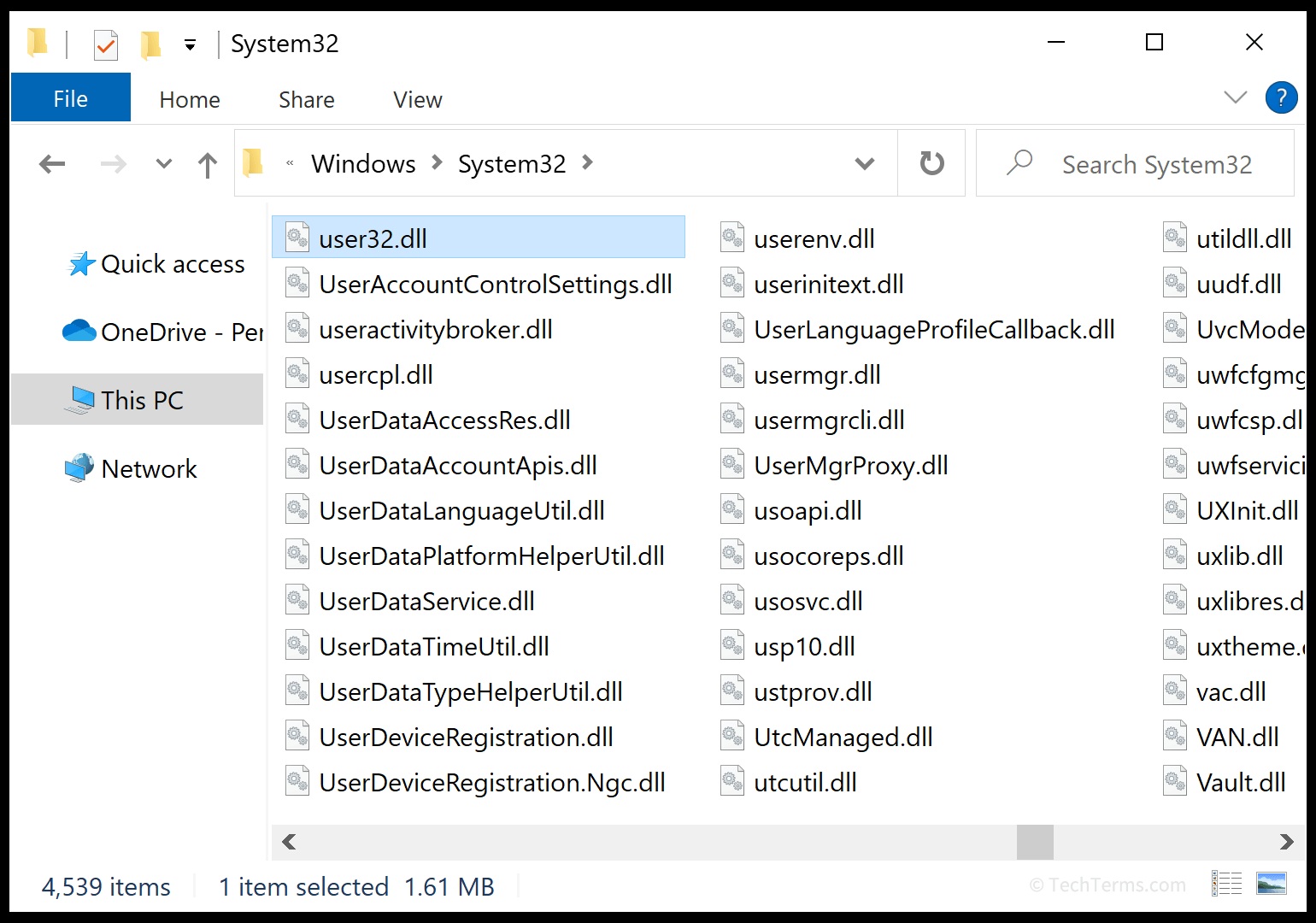
Dynamic linking allows a program to use a library at runtime rather than embedding all of its code directly into the executable. On Windows, applications may use shared DLLs or runtime components such as the Microsoft Visual C++ Redistributable. On Linux, applications commonly use shared objects such as .so files.
Important distinction: Dynamic linking doesn’t automatically mean every application shares one global copy of a library. Applications can use private copies, versioned library names, application-specific directories, or isolated runtime environments.
3. The Classic Problem: “Dependency Hell”
Sharing dependencies can save space and make updates easier, but it can also create a complicated compatibility problem known as dependency hell.
Imagine this scenario on a development machine:
- App A relies on Library X version 1.2.
- You install App B, which requires Library X version 2.0.
- Version 2.0 changes an interface or removes behavior that App A depends on.
If you replace version 1.2 with an incompatible version 2.0, App A may stop working. If you keep only version 1.2, App B may fail to run. This is a simplified example: the actual outcome depends on the library’s compatibility guarantees, how each application loads it, and how the package manager resolves the requirements.
How Different Systems Handle Version Conflicts
Operating systems and development tools use several strategies to reduce these conflicts.
Semantic Versioning (SemVer)
Many software projects use a versioning scheme called Semantic Versioning, commonly written as MAJOR.MINOR.PATCH. For example, 2.1.4 represents major version 2, minor version 1, and patch version 4.
- PATCH: Intended for backward-compatible bug fixes, such as moving from
2.1.4to2.1.5. - MINOR: Intended for backward-compatible functionality additions, such as moving from
2.1.4to2.2.0. - MAJOR: May introduce incompatible changes, such as moving from
2.1.4to3.0.0.
SemVer gives developers and package managers a useful compatibility signal, but it is not a universal guarantee. Not all projects follow it, and package managers don’t all use version numbers in the same way. Dependency constraints, package metadata, and testing still matter.
Side-by-Side Installations
Some systems allow multiple versions of a library to coexist. Rather than forcing every application to use one shared version, each application can load the version it was built or configured to use.
For example, a Windows application might depend on a versioned DLL, while a Linux application might use a library with a versioned shared-object name. Other systems install libraries in separate directories or use distinct runtime environments.
This approach reduces conflicts, although it requires applications and the operating system’s loader to locate the correct version.
Containers, Sandboxing, and Modern Package Formats
Another approach is to isolate applications and their dependencies from the wider system. Examples include:
- Flatpak: Linux desktop applications can use shared runtimes while keeping much of the application environment separate from the host system.
- Snap: Linux applications are distributed in packages that commonly bundle application-specific dependencies, with confinement features available depending on configuration.
- MSIX: A Windows application packaging format that supports modern installation and deployment behavior. It doesn’t automatically bundle every external dependency or isolate every shared component.
- Docker containers: Applications run in containers built from images that include their application files and selected user-space dependencies. Containers still share the host kernel, so they are not the same as full virtual machines.
These technologies don’t all work identically, but they help control the environment in which software runs. Isolation can reduce dependency conflicts, improve reproducibility, and limit unwanted interaction between applications.
Virtual Environments and Lockfiles
Developers also manage dependencies at the project level. For example, Python virtual environments let different projects install different versions of the same package without necessarily changing the system-wide Python environment.
Lockfiles record specific dependency versions—and sometimes additional integrity information—so a project can recreate a more consistent environment across machines. They are common in ecosystems such as Node.js, Python, and Rust.
# Create a virtual environment
python -m venv .venv

# Activate it on Windows
.venv\Scripts\activate

# Activate it on macOS or Linux
source .venv/bin/activate

# Install a project dependency
python -m pip install requests
This example shows how to create and activate a project-specific environment. The activation command differs by operating system and shell, and the installed package is isolated from the system interpreter’s usual site-packages directory.
4. Quick Comparison: Dependency Management Strategies
| Strategy | How It Works | Main Benefit | Potential Trade-off |
|---|---|---|---|
| Shared system libraries | Multiple applications use compatible libraries installed on the system. | Less duplication and centralized updates. | Changes can affect several applications. |
| Bundled dependencies | An application includes selected libraries in its own package. | More control over dependency versions. | More duplicated files and per-app updates. |
| Side-by-side versions | Multiple library versions coexist. | Different applications can use different versions. | More storage and version-management complexity. |
| Virtual environments | Project dependencies are installed in a separate environment. | Projects can use different package versions. | Environments must be recreated and maintained. |
| Containers and sandboxed packages | Applications run with selected dependencies and isolation boundaries. | More predictable application environments. | Additional storage, configuration, and runtime requirements. |
Summary
Package managers save us from much of the chaos of manual software installation, but dependency management is still a balancing act. Shared libraries reduce duplication, while bundled dependencies and isolated environments give applications more control over the versions they use.
There isn’t one perfect solution for every situation. Desktop operating systems, Linux package managers, application packaging formats, containers, and developer tools all make different trade-offs between convenience, compatibility, security, and reproducibility.
Whether you’re managing an enterprise software deployment or keeping a Python project stable with a virtual environment and lockfile, understanding how software requests, shares, and isolates dependencies is a valuable skill for any tech professional.

Geef een reactie