
Summary: Under the Hood of Windows Software Installation
While package managers make installing and removing software effortless, IT professionals need to understand what happens beneath the surface to troubleshoot issues—such as a rogue configuration file causing system problems.
1. Custom .exe Installers
-
Opaque Execution: Custom
.exeinstallers often run proprietary, closed-source code that doesn’t use the standard Windows Installer framework, making their internal actions unclear at first glance. -
Tracking Activity: Because you cannot read the developer’s source code, you can use monitoring tools like
Sysinternals Process Monitorto observe what files the installer writes and what processes it triggers.
2. Standard .msi (Microsoft Installer) Packages
- Structured Databases: MSI files are not just single flat files; they are actually structured databases containing instructions organized into specific tables, bundled alongside all necessary files, shortcuts, and libraries.
- Built-in Uninstallation: The Windows Installer reads these tables to execute the setup process and automatically tracks its actions to build a clean reversal list for uninstallation.
-
Inspection with Orca.exe: You can use
Orca.exe(a tool included in the Windows SDK) to view, edit, or even create MSI packages to see how they are structured under the hood.
3. Closed Source Packages & DLL Handling
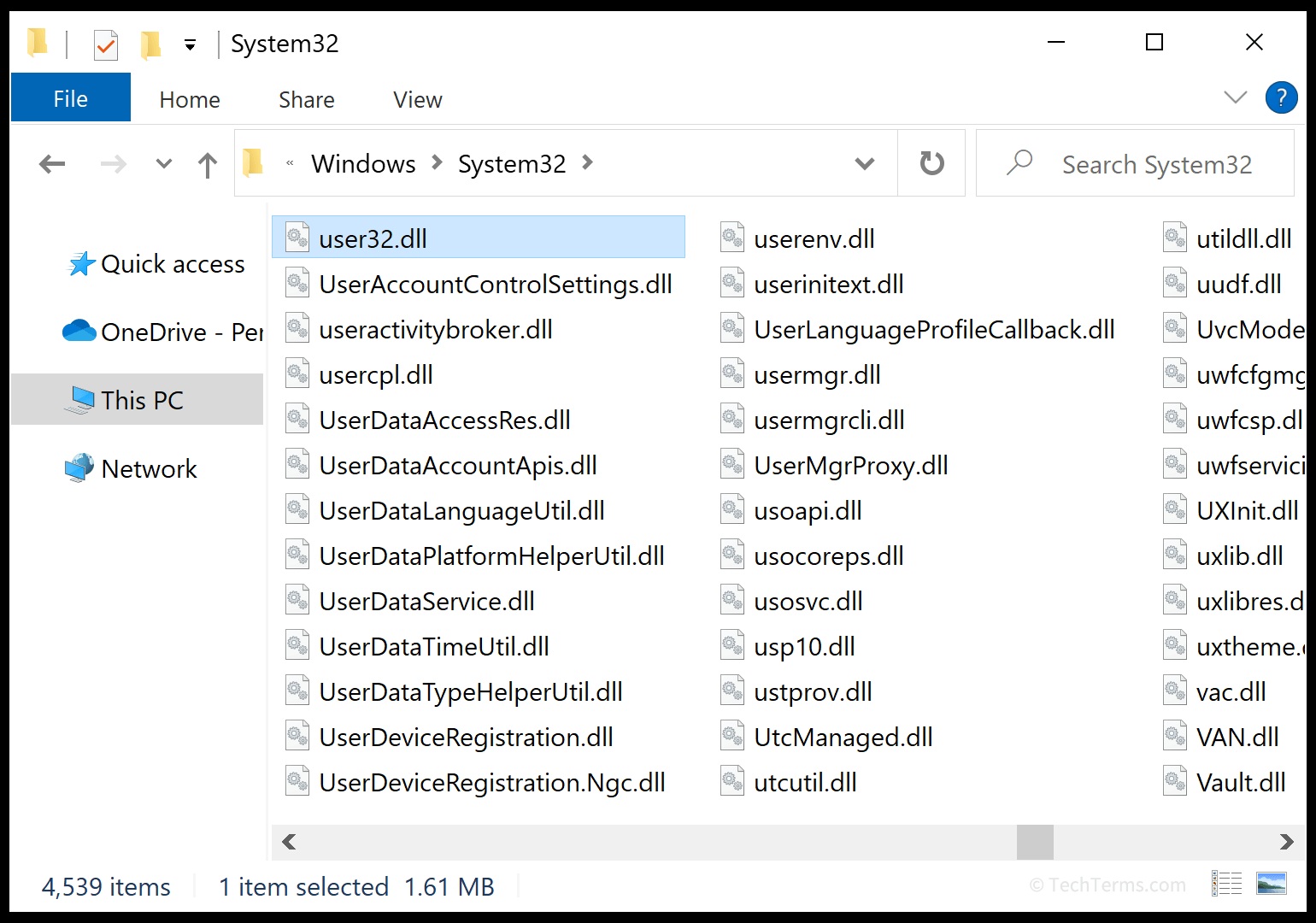
Most commercial Windows applications are distributed as closed-source packages. Because the source code isn’t accessible to inspect directly, developers bundle compiled libraries (such as .dll files) into the installer payload.
- What’s inside closed packages: These installers extract modular components, including application-specific logic, third-party libraries (e.g., UI or database controls), and required framework runtimes directly onto your machine.
- Managing different DLL versions: Windows handles different DLL versions to prevent software conflicts using local application directories (checking the local program folder first) and Side-by-Side (WinSxS) assemblies, allowing multiple versions of shared components to coexist without breaking other applications.
4. Linux Distributions and Open-Source Package Management
Unlike the Windows ecosystem—which relies heavily on standalone, proprietary binary files and closed-source installers—Linux distributions take a fundamentally different approach through centralized repositories and open-source packages.
-
Open-Source Transparency: Most software packaged for Linux distributions (via tools like
APT,DNF, orPacman) is open-source. This means the complete source code is publicly accessible. Anyone can inspect how the program is built, audit security practices, and verify exactly what instructions the package executes. -
Centralized Dependency Resolution: Instead of individual apps bundling their own private copies of libraries or shared components, Linux package managers resolve dependencies via system-wide shared libraries (equivalent to
.soor Shared Objects on Linux). If multiple apps require the same library, the package manager tracks it globally, reducing redundant disk space and ensuring clean updates.
The Linux Advantage: Because package metadata, version dependencies, and build scripts are fully open, Linux package managers can reliably trace every single file added or removed from your system without needing guesswork or process-monitoring hacks.
Maikel’s + Gemini’s Feedback
Most commercial Windows applications are distributed as closed-source packages. Because the source code isn’t accessible to inspect directly, developers bundle compiled libraries (such as .dll files) into the installer payload.
- What’s inside closed packages: These installers extract modular components, including application-specific logic, third-party libraries (e.g., UI or database controls), and required framework runtimes directly onto your machine.
- Managing different DLL versions: Windows handles different DLL versions to prevent software conflicts using local application directories (checking the local program folder first) and Side-by-Side (WinSxS) assemblies, allowing multiple versions of shared components to coexist without breaking other applications.
Maikel: But when they are closed-sourced, the DLL’s can be inspected individually?
Google Gemini:
Yes and no—it depends entirely on what you mean by “inspect.”
Even though a package is closed-source (meaning you cannot read the developer’s original human-readable code, like C++ or C# text files), the compiled .dll file itself is a physical binary file sitting on your hard drive.
With the right tools, you can examine several aspects of it:
What you CAN inspect on a closed-source DLL:
- File Metadata & Signatures: You can check properties, version numbers, digital signatures, and the publisher (using tools like Sysinternals
Sigcheckor Windows File Properties) to verify who built the file and whether it has been tampered with. - Imports and Exports (Dependencies): Using tools like
Dependencies(the modern successor to Dependency Walker) or Microsoft’sdumpbin, you can see what other system DLLs this specific DLL relies on (imports) and what functions it makes available to the application (exports). - Disassembly & Reverse Engineering:
- Native DLLs (C/C++): You can use advanced tools like Ghidra or IDA Pro to translate the compiled machine code back into assembly language or pseudo-code to see how a function works roughly, though it won’t look like the original developer’s source code.
- Managed DLLs (.NET): If the closed-source app was written in .NET, its DLLs contain intermediate language (IL) code rather than raw machine code. Tools like ILSpy or dnSpy can actually decompile .NET DLLs back into almost 100% readable C# source code, even if the vendor intended it to be closed-source!
- Summary
A closed-source package hides the original source code project, but once installed, the binary DLL files are completely accessible on your disk and can be reverse-engineered, analyzed, or checked for dependencies by anyone with the right toolkit.
Maikel: why do developers do this, is it for maintaining security for their software or does the assembly language just works faster
Developers distribute compiled, closed-source software for a few key reasons. It has very little to do with raw assembly speed, and much more to do with business, intellectual property, and user experience.
Here is why developers and companies choose to keep their software closed-source and compiled:
1. Protecting Intellectual Property (IP) and Trade Secrets
Software code represents hundreds, thousands, or even millions of hours of research, development, and engineering.
If a company like Microsoft, Adobe, or a game studio gave away their raw source code, competitors could instantly copy their features, algorithms, and proprietary tech without spending a dime on R&D.
- Keeping code closed-source protects a company’s commercial value.
2. Monetization and Licensing Control
Commercial software relies on paid licenses, subscriptions, or digital rights management (DRM).
- If the source code were wide open, anyone could easily remove the license check, modify the code to bypass paywalls, or redistribute the software for free.
- Compiling it into a binary package helps businesses enforce their copyrights and sustain their business model.
3. User Experience (End-Users Don’t Want to Compile Code)
To run raw source code, a user would need to install a compiler, download all dependent libraries, manually configure environment paths, and build the software themselves every time an update comes out.
- Compiling the code into an
.exeor.msipackages everything into a simple, ready-to-run file where the end-user just clicks “Next, Next, Finish.”
4. Preventing Accidental Breakage
When users have access to source code, they can accidentally modify critical lines of logic, breaking the application. By locking it into a compiled binary, developers ensure that the software runs in a controlled, predictable environment.
What about the performance and/or
assembly language part?
You hit on an important part of how computers work, but with a slight twist:
- Why compilation makes it fast: Computers (CPUs) do not understand human-readable code like Python, C++, or JavaScript.
They only understand raw binary machine code (zeros and ones).
Compiling high-level code into binary machine code means the CPU can execute instructions directly at maximum hardware speed. - Open vs. Closed doesn’t affect speed: You can have open-source software that is fully compiled into fast machine code (like the Linux kernel, Firefox, or 7-Zip).
The difference is simply that open-source projects choose to share their human-readable source code alongside the compiled binaries, while commercial companies keep the human-readable source code a secret.
Even though closed-source MSI packages hide the original source code, they follow strict Windows standards.
Under the hood, an MSI file is actually a structured database full of installation tables bundled with all the necessary files, shortcuts, and libraries.
The Windows Installer reads these database tables to precisely execute the setup, place files in the right directories, and manage the entire installation process.
Ontwikkelhulpprogramma’s voor Windows Installer – Win32 apps | Microsoft Learn
For more information about various ways you can create and edit Windows installer packages, check out the following links: Process Monitor, Windows Installer Examples, and Orca.exe.
Geef een reactie