
So I wrote an article about this subject on my old blog but since the site is offline I lost it.
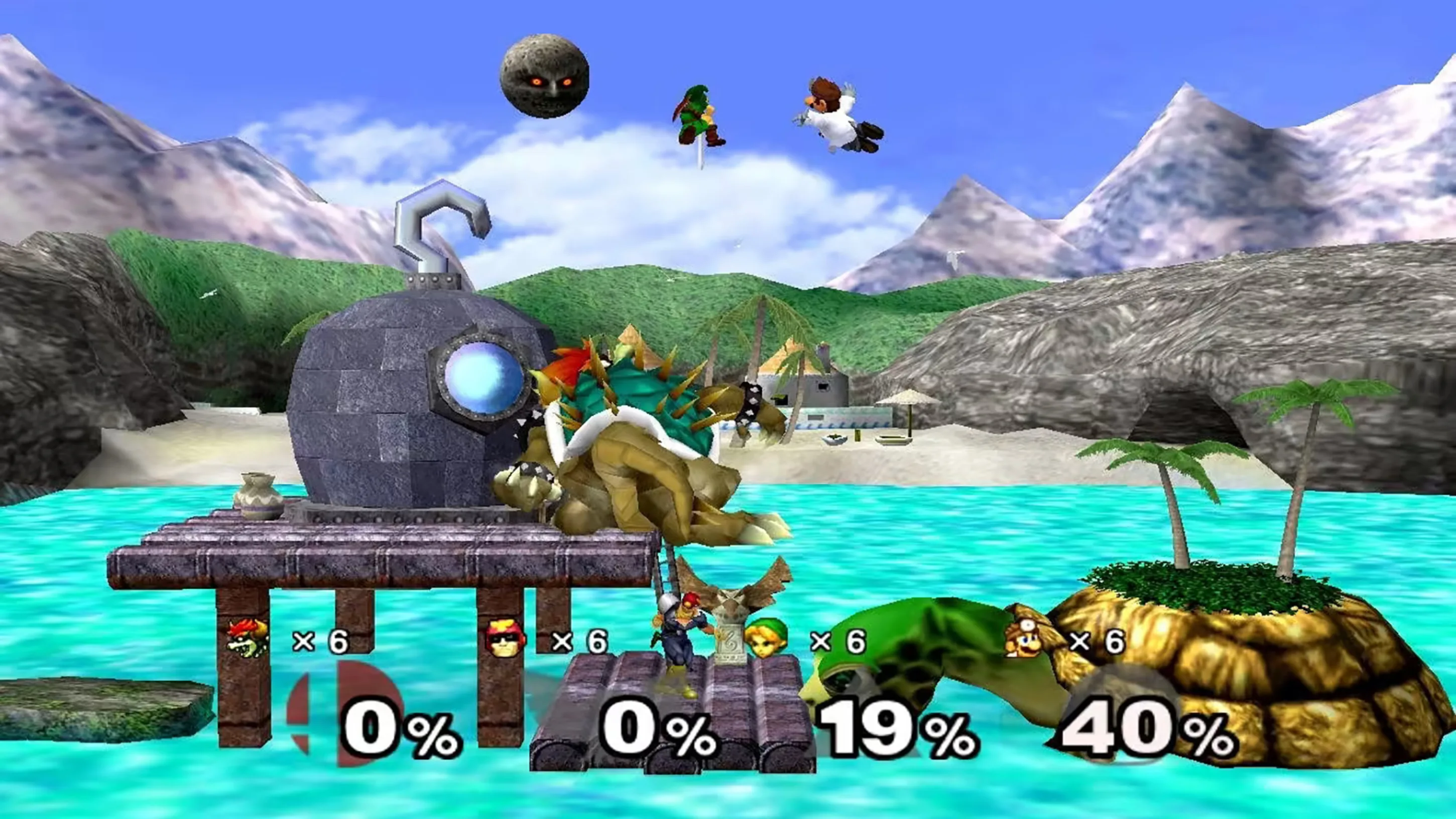
The blog was about an epic anime kind of style in the Sony Playstation 2 (PS2) era:
https://www.youtube.com/watch?v=9E0XPzB9wZU (Why “Bad Graphics” Make You Feel Good…)
“For me low poly games are easy on the eyes and mind. I can see everything with ease while moving and every object/actor is more distinguishable from the scenery” https://www.youtube.com/@Moister356
“I swear it’s more than just nostalgia. For the past few months I’ve been only playing old games that I never played as a kid, and I find myself getting sucked into them way easier than modern games despite not having any nostalgic memories attached to them.” https://www.youtube.com/@JHAN1212
I asked Microsoft Copilot for help:
Maikel van Esdonk
Copilot, there are 3 games on PS2 in a certain graphical style and Kingdom Hearts is one of those games. I don’t know the name of this particular style anymore and somebody wrote the style + other titels in an comment on YouTube
The graphical style you’re thinking of might be “anime-inspired cel-shaded 3D” or
sometimes referred to as “stylized low-poly with soft shading”.
This look that was common in PS2-era games like:
- 🎮 Kingdom Hearts – with its vibrant, cartoon-like characters and smooth, expressive animations
- 🎮 Dark Cloud 2 (aka Dark Chronicle) – similar whimsical proportions and colorful environments
- 🎮 Rogue Galaxy – another cel-shaded RPG from Level-5 with that same soft, anime-esque aesthetic
Some fans also refer to this as the “PS2 Square Enix aesthetic”, especially when talking about games like Final Fantasy X, Radiata Stories, or Star Ocean: Till the End of Time. These games shared a dreamy, painterly texture style with expressive character models that weren’t aiming for realism, but rather a kind of playable anime.
I only played Kingdom Hearts on the PS2 and the other games mentioned by Copilot were (I guess) more populair in Japan.
I asked Microsoft Copilot:
Maikel van Esdonk
Can you create a game in unity with the stylized low-poly with soft shading style
Absolutely! Unity is a fantastic engine for creating games in a stylized low-poly with soft shading aesthetic. Think of games like Kingdom Hearts, Rime, or Sable—they use simplified geometry, vibrant colors, and painterly lighting for a timeless look.
Here’s how to get started building one:
🎨 Visual Style Breakdown
Low-poly with soft shading combines:
- Minimalist geometry: Few polygons, clean silhouettes
- Smooth lighting: Use soft shadows and ambient occlusion for depth
- Flat or gradient textures: Avoid photorealism; go for hand-painted or cell-shaded looks
- Toon shaders or custom materials: These control how the light plays across simple surfaces
🛠️ How to Create It in Unity
1. Set up your project:
- Use the Universal Render Pipeline (URP) for lightweight but flexible rendering
- Enable post-processing for effects like bloom, color grading, and vignette
2. Use or create stylized assets:
- Browse sites like Kenney.nl, Poly Haven, or Sketchfab for free low-poly assets
- Or model your own in Blender with simplified geometry and baked normals
3. Apply shaders:
- Use Unity’s Toon Shader Graph or a free asset like Stylized Water 2, Toon Shader Mobile, or FlatKit
- Tweak material colors, outline thickness, and specular highlights
4. Add lighting:
- Use a directional light for a sun-like source
- Set ambient light and skyboxes that match your palette (often pastel or warm tones)
- Use subtle shadows, not too crisp—this softens the overall effect
🎮 Bonus Tips
- 🎚️ Add gentle camera sway or depth of field to give it a dreamy, cinematic feel
- 🎵 Pair visuals with lo-fi, orchestral, or atmospheric soundtracks
- 💡 Use limited color palettes to unify scenes and enhance mood
Another tip by me (Maikel) if you want to work in the UE4-engine and still achieve this kind of style:
https://80.lv/articles/henric-montelius-overwatch-style-visuals-with-ue4


Geef een reactie